6 Post-Production Tools You Can’t Live Without
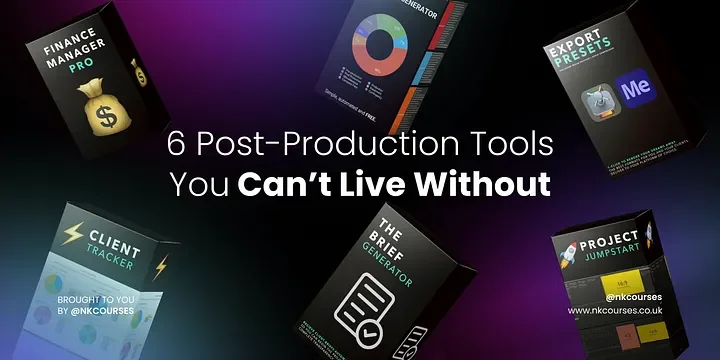
In 2022, there is no shortage of software, plugins and extensions to choose from to help you speed up your freelance tasks. You’ll find an abundance of tools for task management, time tracking, scheduling and more. I’ve gone ahead and put together the six tools that I use (and created…so I’m definitely not biased 😅) to help manage my businesses on a daily basis.
Freelancers have more responsibility for business management than the average employee, they’re responsible for their workflows, finances, and database management, as they generally operate as ‘solopreneurs’.
Among the numerous creative tools and solutions marketed to freelancers, the solutions in the categories below are generally considered the essentials for a smooth post-production business. Whether you’re a veteran freelancer or just getting started, it might be time to take a look at your workflows and ensure that they are as seamless as possible.
1) Client Tracker 🏃♂️
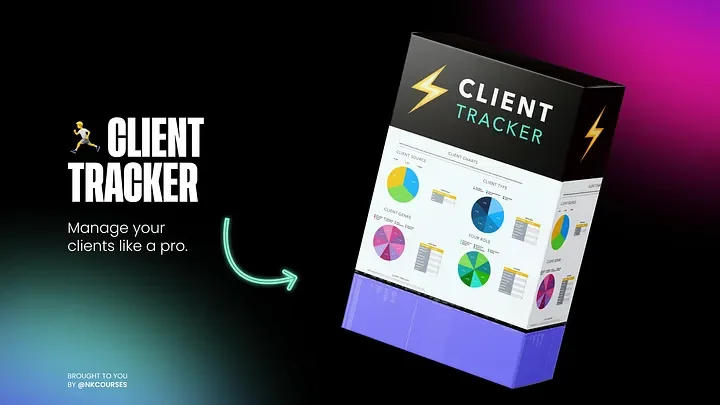
Client Tracker
Track your clients effortlessly. Log where you sourced your clients, the sector, genre, day rate and so much more — so you know where your favourite clients are coming from and focus on that client-acquisition strategy, to attract more of those clients.
How Does It Work?
#1 TRACK:
Start by filling in your clients’ contact details, source, whether they’re B2B, B2C, or B2B2BC, the genre, day rate, working hours, rating, and notes.
#2 STRATEGISE:
Now, ask yourself do you want:
QUANTITY
👥 More volume of clients overall?
📃 Clients, that offer longer contracts?
📈 Frequency of work from repeat business?
QUALITY
👨🎨 Clients in a certain genre or sector?
🏢 A specific client or company?
🔥 Clients, that work with higher quality brands?
😁 Clients, that value your time and are a pleasure to work with?
#3 CLARITY:
Using the tables and graphs, now you have a clear view of who you want to work with, what services you offer are most popular and you can devise a strategy to double-down on those types of clients or diverge your tactics to attract more of the ones that you’re lacking in — simple right!
2) The Brief Generator 💼
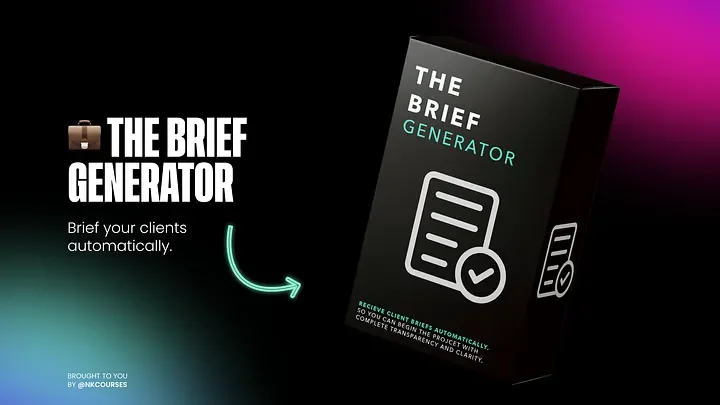
The Brief Generator
Fed up of receiving vague briefs? And do you find it a waste of precious time going back and forward to figuring out what is actually needed? Well now you can brief your clients automatically. Get back to clients with your quotes in a flash, so you can sit back, relax and let those renders roll.
How Does It Work?
#1 CUSTOMISABLE:
🎨 Fully customisable: change the heading image, colours and theme to match your brand.
#2 AUTOMATED:
🙌 It includes all the pre-filled questions you need to be answered to quote your client and win the project. You can even add or remove any question to fit your client.
#3 SIMPLE:
🏃♂️No more messing around with e-mail chains and attaching PDFs. It’s all set up on Gdrive so you simply click the link below, add the clients’ name to the brief and click send!
3) The Quote Generator 💰
Press enter or click to view image in full size
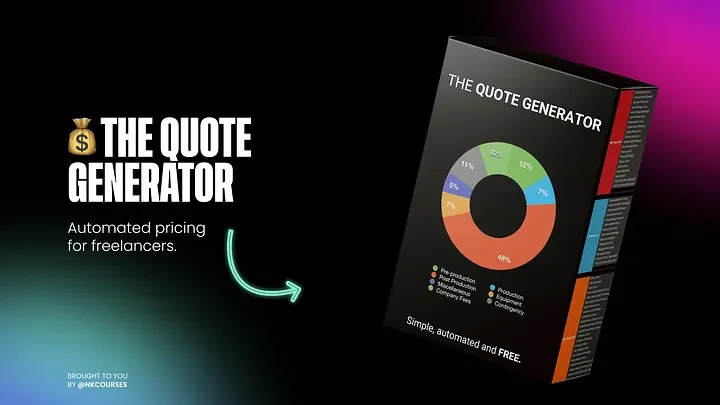
The Quote Generator
Want To Price Your Projects In 60 Seconds?
Do you find that you…
❌ Have no idea where to start, when it comes to pricing your projects?
❌ Are throwing out a random number and hoping the client says yes to your rate?
❌ Are you more than likely leaving money on the table from undercharging for your services?
Instead, you wish you had:
✅ An automatedway to price your video projects from now on.
✅ Industry researched rates that you can use for every project.
✅ A tool that shows you if you’re profiting on every single gig.
Then you’ll love 💰 The Quote Generator.
How Does It Work?
#1 SETUP:
👊🏼 Punch in yours and your crews/artists day rates and overheads in.
Remember me for faster sign in
#2 QUOTE:
📈 Whack up those number sliders with how many days are involved.
#3 SHARE:
📬 Hey Presto! You have a quote with complete transparency.
4) Project Jumpstart — Start Projects In A Flash 🚀
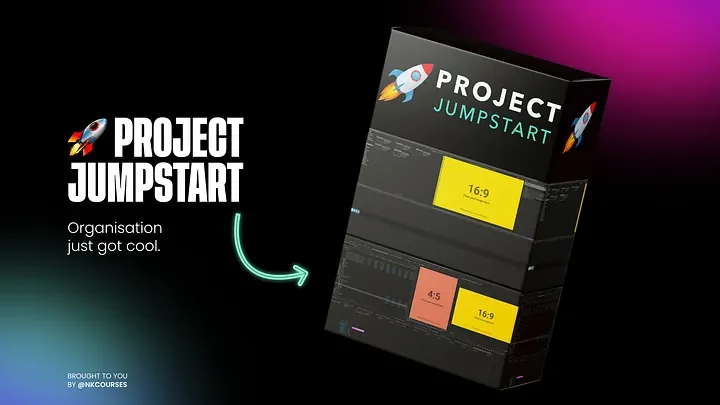
Project Jumpstart
Want To Automate Your Video Project Set up?
Do you find that you…
❌ Get sent an endless mess of video clips, assets and files to organise.
❌ Have to manually create a filing system for each project.
❌ Spend more time than you should on setting up the project than doing the actual creative work?
Instead, you wish you had:
✅ An automated way to set up your video project from now on.
✅ A professional folder structure that fits every project.
✅ Templates for Adobe Premiere, After Effects, and Final Cut Pro.
Then you’ll love 🚀Project Jumpstart
5) Export Presets: Render Like A Pro 🎬
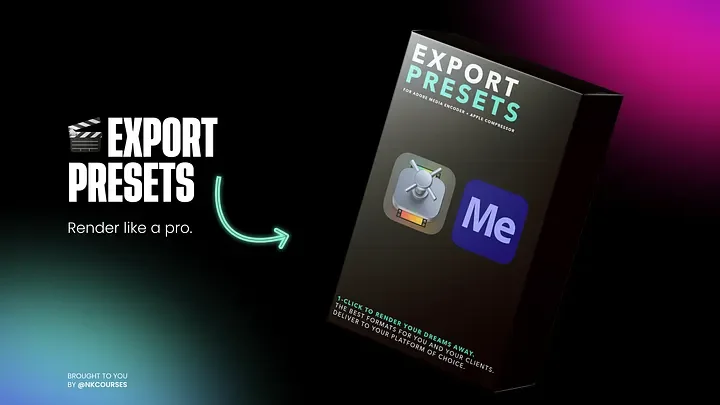
Export Presets
Export Presets Adobe Media Encoder and Apple Compressor, to give you the best format for clients to delivery on your platform of choice.
How Does It Work?
#1 ADOBE MEDIA ENCODER:
To install the presets, simply open Media Encoder, go to the ‘preset’ menu at the top, and select these presets to install
#2 APPLE COMPRESSOR:
To install the presets, simply open Compressor and drag and drop to the ‘customs’ section on the left hand side.
#3 ENJOY:
Now you can queue up your masterpieces and relax!
6) Finance Manager Pro — Ready, Set…Profits! 💵
Finanace Manager Pro
This is the one tool you need to manage and set your financial goals.
Master your finances in 3 simple steps.
Accounting just got cool.
✓ Manage your income and expenses
✓ Track your assets and liabilities
✓ Plan your financial goals with ease
✓ Save hundreds if not thousands — by reducing unnecessary overheads.
How Does It Work?
#1 INCOME + EXPENSES:
Punch in your income and expenses for the month or year. See your expenses to reduce unnecessary costs.
#2 ASSETS + LIABILITIES:
Monitor everything you have that has monetary value and see your net worth.
#3 FINANCIAL GOALS:
Plan your next personal and business milestones and even use our bonus property template, to plan for your property or office space.
Bonus — The Freelancer Toolkit 🧰
If you like the sound of everything above, we have the above and some bonus gifts included into our entire Freelancer Toolkit. This includes all the tools above and x2 bonus worksheets to help you plan and map out your business with our WHY Worksheet and S.M.A.R.T Goals worksheet. Access the entire Freelancer Toolkit at a discount and supercharge your freelance processes to get ahead of your competition.
Press enter or click to view image in full size
The Freelance Toolkit
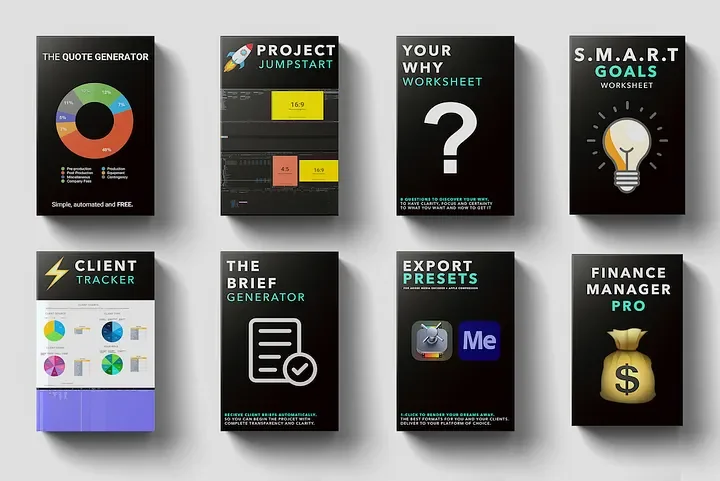
Ready to Build Your Freelance Business?
As a freelancer, you’re juggling multiple priorities and having to manage every aspect of your business. It’s essential to use the right tools to create a seamless and professional experience for your clients while streamlining your workflow. Managing tasks, schedules, invoices, clients — there’s a lot of work if you decide to take the freelance path. These 6 must-have tools for freelancers could help you run most aspects of your business.
Hope this helps. 💖
If you want to learn more about getting work, finding clients, pricing, negotiation, and the business side of freelancing then enrol for Freelance Mastery — the #1 freelancer course which helps you to land high-paying clients, fast.
Access Freelance Mastery 👉 www.nkcourses.co.uk